 Kavij
KavijRemove image backgrounds.
Keep the subject.
Kavij is a free AI background remover. Erase the background from any photo and make it transparent in one click — a real segmentation model that understands people, hair, pets, and products. No sign-up, no watermark.
Drop your image here
or click to browse — JPG, PNG, WebP up to 20 MB
Your image
Removing background…
Three steps to a clean cutout
Your image is sent securely to our server, processed by our own AI model, and returned — it's never shared with a third-party service, and it isn't kept after processing.
1 · Upload
Drag & drop, browse, or paste any JPG, PNG, or WebP straight from your clipboard.
2 · Remove
The AI model segments your subject — people, hair, pets, products. Fine-tune with brushes if needed.
3 · Download
Keep it transparent, or drop in a color, gradient, or photo — then export as PNG or JPG in HD.
Everything you'd expect, nothing you don't
A complete AI background toolkit — free and unlimited.
True AI segmentation
U²-Net and ISNet models understand subjects — not just colors — for clean cuts on busy backgrounds.
Hair & fur refinement
Optional alpha matting recovers fine strands and soft edges around hair and fur.
Four specialist models
Standard, precise, fast, and anime — pick the engine that fits your image.
Background eraser & restore brushes
A smart background eraser removes only pixels matching where your stroke starts — clean edges without precision work, plus manual erase and restore brushes.
Pen / lasso selection
When auto-detection misses, draw a region by hand — then erase inside it or keep only what you selected.
Change background color or blur
Make the background transparent, or change it to white, a solid color, a gradient, or your own photo — or blur the original backdrop.
Batch processing
Drop in multiple photos at once and download every cutout in a single ZIP.
Upload by URL
Paste a link to any image on the web and Kavij fetches it for you.
Before / after compare
Hold the compare button to flip back to your original at any moment.
Undo, reset & HD export
Step back with Ctrl+Z and download transparent PNGs or compact JPGs.
Offline fallback
If the AI engine isn't running, a built-in edge detector keeps the site fully usable.
Private & open source
Images are processed on our own server, never sent to third parties, and not stored after your download. Don't just take our word for it — the full source is on GitHub to inspect. No accounts, no limits.
Remove backgrounds from any kind of image
People, products, pets, illustrations — the AI handles them all.
Just picture it — on any background
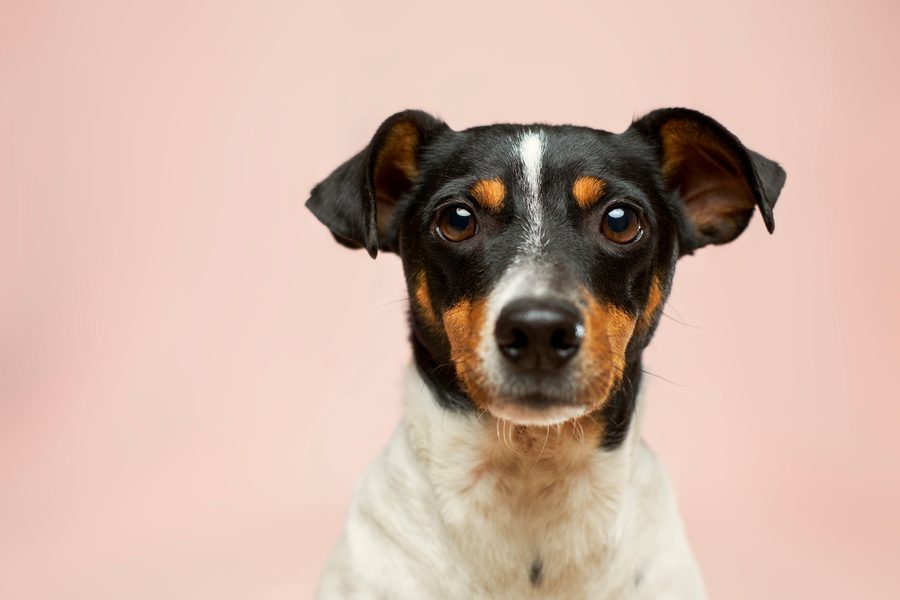
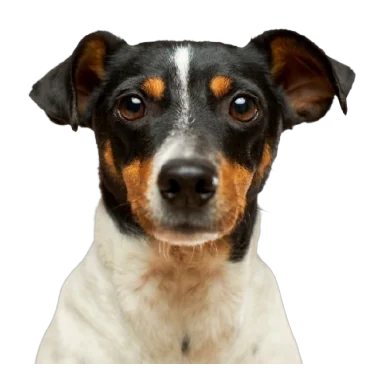
Remove the background, then put your subject anywhere. Keep it transparent, switch to a clean color, or drop it straight into a brand-new scene — one subject, endless backgrounds.






Frequently asked questions
Everything you might want to know about removing backgrounds with Kavij.
Is Kavij free to use?
Yes. Kavij is completely free to remove image backgrounds — there's no sign-up, no watermark on your downloads, and no per-image limit.
How do I remove the background from an image?
Upload a photo by dragging it in, browsing, pasting with Ctrl+V, or entering an image URL. Kavij's AI detects your subject and removes the background automatically in seconds. You can then refine the edges, change or blur the background, and download the result.
What image formats can I upload and download?
You can upload JPG, PNG, and WebP images. You can download your cutout as a transparent PNG, or as a JPG with a solid background for smaller file sizes.
Does Kavij work on hair, fur, and complex edges?
Yes. Kavij uses AI segmentation models built for detailed edges. Turn on the "Refine hair & fur" option and choose the Precise model for the cleanest results, then fine-tune with the brushes if needed.
Are my images kept or shared?
No. Images are sent over an encrypted connection, processed in memory to remove the background, and returned to you. They aren't written to disk, stored in a database, used for training, or shared with any third party. See our privacy policy for details.
How do I make a background transparent?
Upload your image and Kavij removes the background automatically, leaving a transparent background behind your subject. Download it as a transparent PNG and it will drop cleanly onto any color, layer, or design.
Can I change the background color or make it white?
Yes. After removing the background you can change it to white, any solid color, a gradient, or your own photo — or keep it transparent. A white background is ideal for product listings on Amazon, eBay, and other marketplaces.
Is there a background eraser tool?
Yes. Alongside automatic removal, Kavij includes a smart background eraser brush that removes only pixels similar to where your stroke starts, plus manual erase and restore brushes and pen, rectangle, and ellipse selection for full control.
Can Kavij remove backgrounds from anime and illustrations?
Yes. Kavij ships a dedicated anime model (isnet-anime) tuned for illustrations and anime characters, so line art and flat-shaded artwork cut out cleanly where general photo models often struggle.
Can I remove backgrounds from many images at once?
Yes. Drop several images onto the upload area to start batch mode. Kavij processes them together and lets you download every cutout in a single ZIP file.
The Kavij blog
Tutorials, product updates, and ideas for getting more out of your cutouts.
Ready to make something transparent?
Upload a photo and watch the AI lift your subject in seconds.
Upload an image